Know When You're Getting Paid
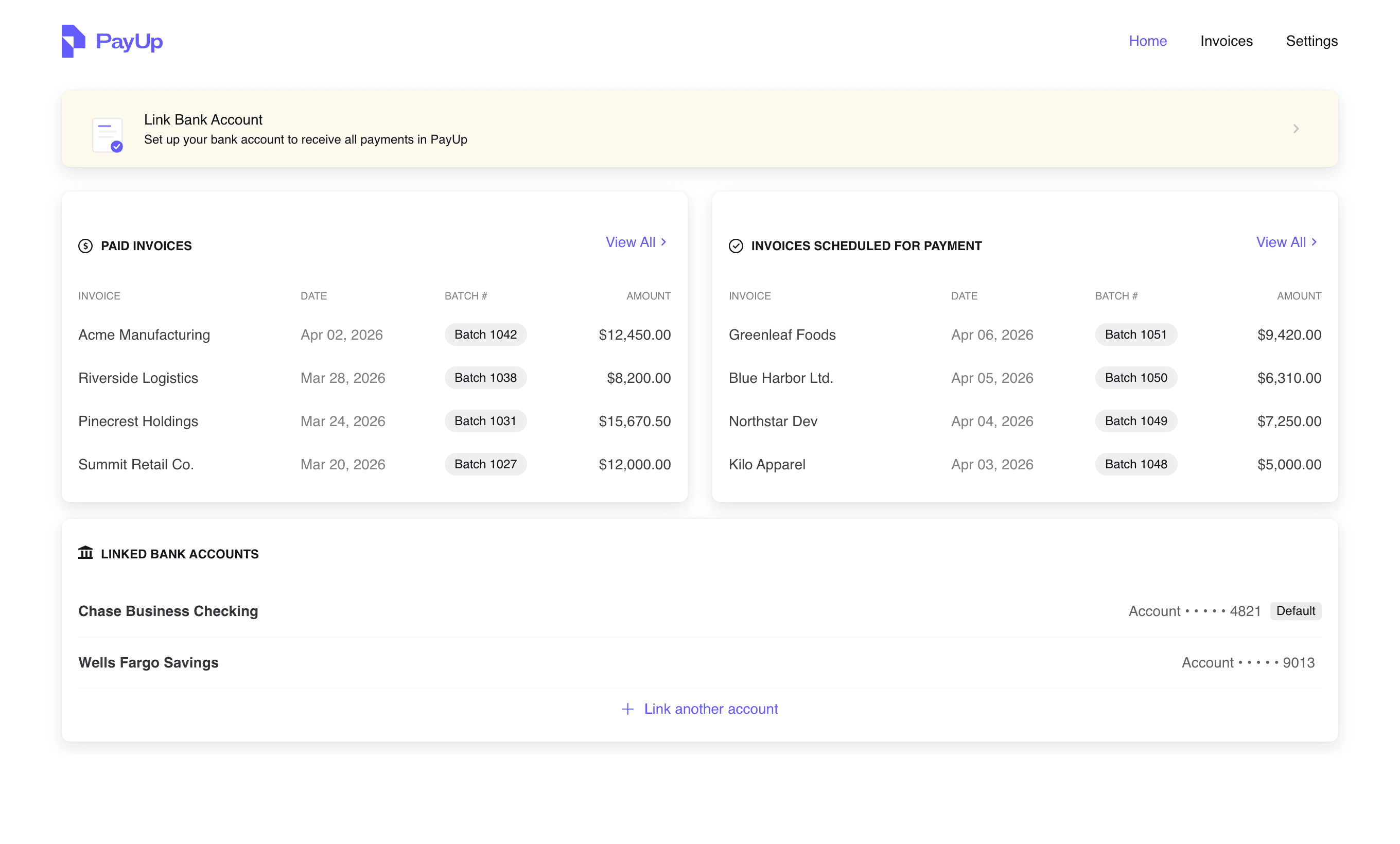
PayUp gives you real-time visibility into every invoice and payment from your property management clients. No more calling AP to ask about your payment.
Benefits
What You Get
Payment Tracking
See exactly where your payment is: processing or paid.
Payment History
Access your complete payment record anytime. No more digging through emails.
Payment Preferences
Choose how you want to get paid: ACH, digital check, or physical check.
Simple Process
How It Works
Your Client Approves Payment
Once the property management company approves your payment in their system, it flows into PayUp automatically.
PayUp notifies you
You receive a notification with payment details and expected timing. No guessing, no calling.
Track your payment in real time
Log in to your vendor portal anytime to see exactly where your payment is in the process.
Support
Frequently Asked Questions
Ready to Get Started?
Sign in or create an account to track payments and manage your preferences.
Don't have an account yet? Your property manager can invite you, or create one directly at app.payup.com.